
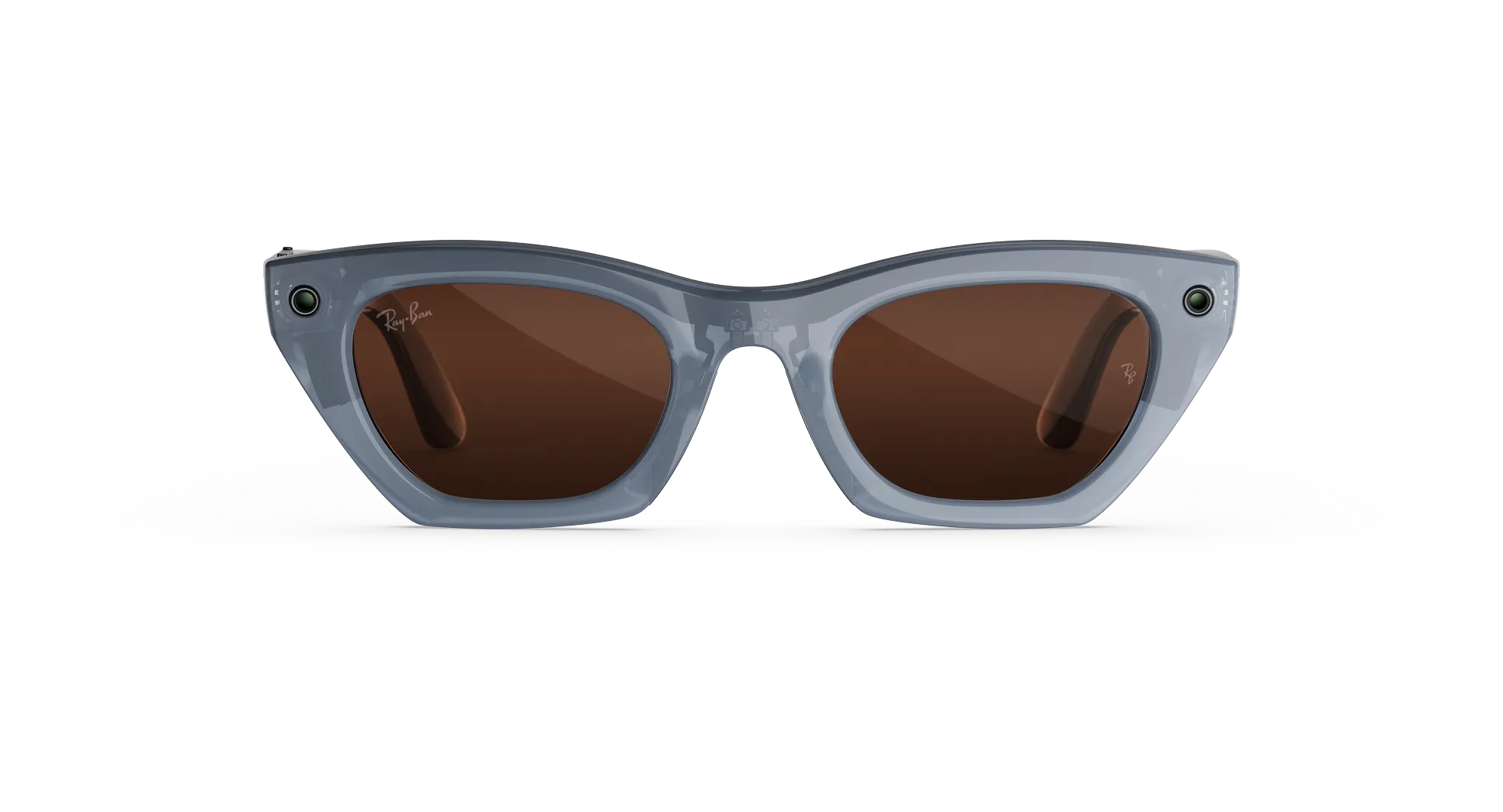
Ray-Ban Meta Gen 3 Care: Cleaning and Protection Guide
Smart glasses sit on your face all day, so they collect dust, sweat and fingerprints faster than ordinary frames. Good Ray-Ban Meta Gen 3 care keeps the lenses clear, the camera sharp and the charging contacts working. This guide from Lawrence & Mayo shows you a simple routine, what to avoid and how to handle water and storage.
What You Will Learn
- How to clean the lenses, camera and charging contacts safely
- Which products and cloths to avoid
- What IPX4 water resistance really covers
- How to store the glasses between uses
Understanding the Basics of Ray-Ban Meta Gen 3 Care
Smart glasses combine a lens, a camera, speakers and charging contacts in one frame. Each part needs slightly different handling. According to Ray-Ban’s published guidance for Ray-Ban Meta glasses, you should clean them with a dampened cloth and mild soap, and avoid all solvents and alcohol. That guidance is written for the Ray-Ban Meta range, so check your Gen 3 guide for any model-specific notes.
How to Clean Your Glasses Step by Step
Customers most often ask us how often to clean the glasses. For everyday Ray-Ban Meta Gen 3 care, we suggest a quick wipe daily and a fuller clean once a week, or sooner after sun cream or a dusty ride.
- Wash your hands first so you do not add oil to the lenses.
- Dampen a clean, soft cloth with water and a tiny drop of mild soap.
- Wipe both lenses gently in small circles, without pressing hard.
- Clean the camera lens with the same gentle motion.
- Wipe the nose bridge charging contacts, then dry everything fully.
- Put the glasses back in the charging case only when they are dry.
What to Use and What to Avoid for Ray-Ban Meta Gen 3 Care
| Do Use | Avoid |
|---|---|
| Soft, clean microfibre cloth | Dirty or rough cloths that can scratch coatings |
| Mild soap and water, lightly dampened | Solvents, alcohol and household cleaners |
| Gentle circular wiping | Pressing hard on the lens or camera |
| Full drying before storage | Putting damp glasses into the case |
Water, Sweat and Rain: What IPX4 Means
Ray-Ban lists the glasses as IPX4 water resistant, which means light rain is fine. They are not designed for submersion or extended exposure to water or other liquids, so do not wear them in the shower, pool or sea. Do not hold them under running water to clean them either. If they do get wet, dry them thoroughly and clear any residue from the charging areas.
Keep the Charging Contacts Clean
The contacts on the nose bridge are small but important. Ray-Ban notes that dried sweat, dirt and liquid can interfere with charging. We have found that most charging complaints come down to residue on these contacts, not a fault in the glasses. A gentle wipe with a slightly damp cloth, followed by drying, usually solves it.
Storage and Temperature
Store the glasses in their own charging case when you are not wearing them. Do not put other glasses in that case, because the fit is made for this model and it could damage both. Good Ray-Ban Meta Gen 3 care also means avoiding heat. Do not leave the glasses in a hot car or in freezing conditions, since extreme heat or cold can affect battery performance and charging.
What Most People Overlook
People clean the lens but forget the camera lens and the contacts. A smudged camera lens is the most common reason photos look soft. Cleaning all three takes about a minute and keeps the glasses performing as intended. Build it into a habit, such as wiping them when you plug in your phone at night, and you will rarely need anything more than this basic routine. Regular care also keeps the lens coatings in better condition for longer. If you prefer clear sight with prescription lenses, see the lens options at Lawrence & Mayo.
Verdict
Ray-Ban Meta Gen 3 care is simple: a damp cloth, mild soap, no solvents, full drying and a clean case. Follow that routine and the glasses stay clear and ready to charge. To compare frames or ask our team a question, visit Lawrence & Mayo or browse our Ray-Ban collection. You can also book a showcase visit for hands-on advice.
FAQ
How do you clean Ray-Ban Meta glasses?
Use a soft cloth dampened with water and mild soap, wipe gently, then dry fully.
Can I use alcohol wipes on Ray-Ban Meta glasses?
No. Ray-Ban advises avoiding all solvents and alcohol.
Can I wash Ray-Ban Meta glasses under running water?
No. Do not hold them under running water. Use a lightly dampened cloth instead.
Are Ray-Ban Meta glasses waterproof?
No. They are IPX4 water resistant, which covers light rain but not submersion.
Can I wear Ray-Ban Meta glasses in the rain?
Yes, light rain is fine. Dry them afterwards before returning them to the case.
How do I clean the camera on smart glasses?
Wipe the camera lens gently with a clean, dampened soft cloth and dry it.
How often should I clean my smart glasses?
A quick wipe daily and a fuller clean weekly works well for most wearers.
Why are my glasses not charging in the case?
Dirt or dried sweat on the nose bridge contacts is a common cause, so clean and dry them.
Where should I store smart glasses when not in use?
Keep them in their own charging case, away from extreme heat or cold.
Can I use any cloth to clean the lenses?
Use only a clean, soft cloth. Dirty or abrasive cloths can damage lens coatings.
Leave a Reply