
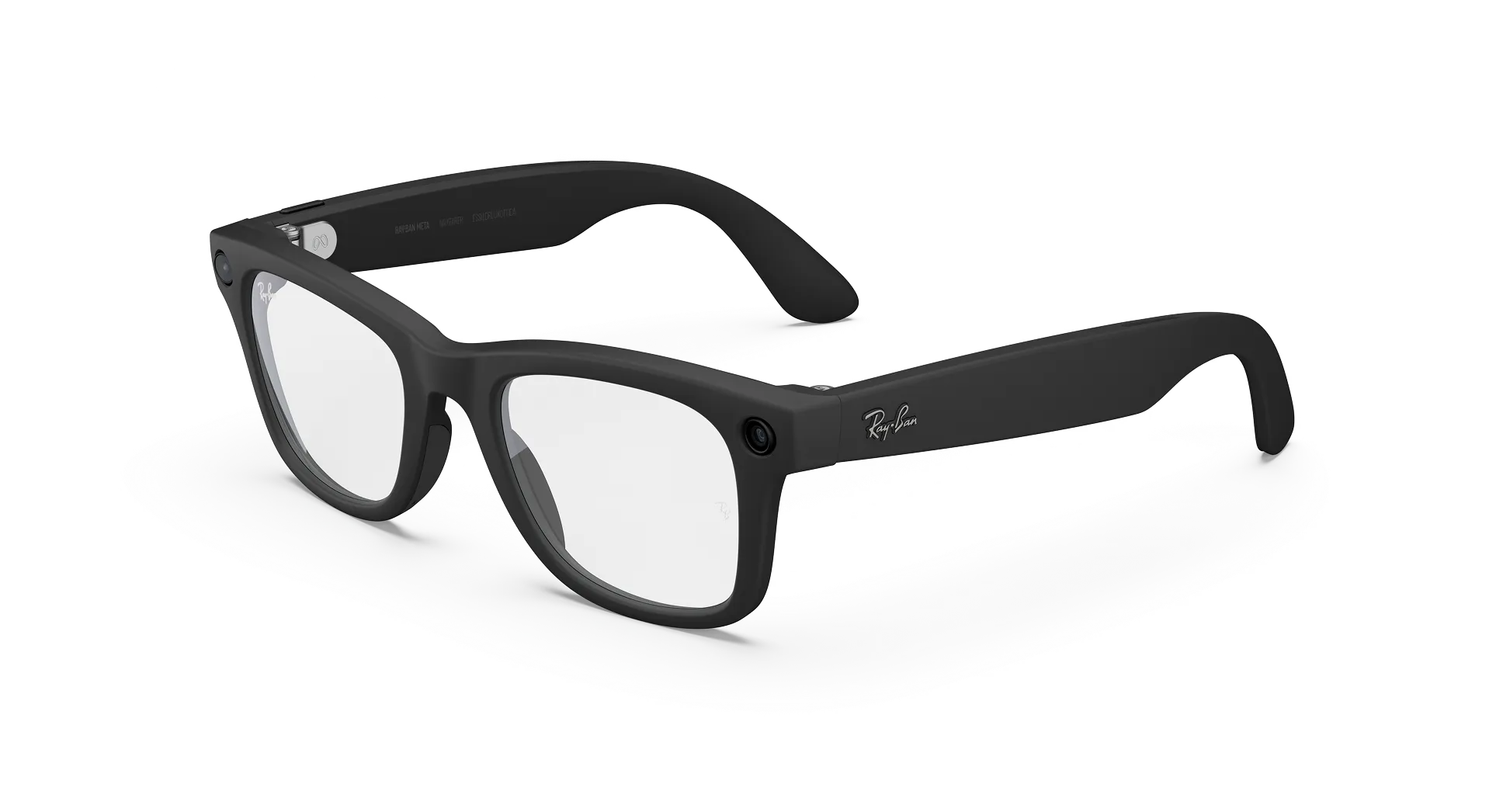
Ray-Ban Meta Gen 3 Software Update Explained
Smart glasses improve over time, and a Ray-Ban Meta Gen 3 software update is how new fixes and features reach your frames. This guide from the Lawrence & Mayo luxury eyewear boutique explains where to check for updates, what you need before you start and what to do if something goes wrong.
What You Will Learn
- Where to find the update option in the Meta AI app
- What to prepare before you update
- Why the glasses use a temporary Wi-Fi connection
- How to avoid common update mistakes
Understanding the Basics of a Ray-Ban Meta Gen 3 Software Update
Unlike ordinary frames, smart glasses run software. A software update, sometimes called a firmware update, changes how the glasses and the charging case behave. It can include fixes and improvements, so keeping the glasses up to date is part of owning them. Everything here is based on Ray-Ban’s published FAQ for Ray-Ban Meta glasses, which is written for the Ray-Ban Meta range. Check your Gen 3 guide for any model-specific steps.
How to Check for a Ray-Ban Meta Gen 3 Software Update
Ray-Ban explains that you can check whether your glasses are up to date, or update them, at any time from the Meta AI app. Open the app on the phone paired with your glasses and follow these steps.
- Make sure the glasses are connected to your phone.
- Open the Meta AI app.
- Go to Settings.
- Select Your glasses.
- Tap Glasses update to see whether an update is available.
Customers most often ask us whether this is automatic. The FAQ describes how to check and install from the app but does not state how often updates arrive, so it is sensible to look now and then.
What to Prepare Before a Ray-Ban Meta Gen 3 Software Update
| Preparation | Why It Helps |
|---|---|
| Charge the glasses | Updates need a minimum charge level, which varies with temperature |
| Keep your phone close | The app talks to the glasses during the update |
| Update the Meta AI app first | The app handles the update, so an older version can cause trouble |
| Pick a calm moment at home | You are less likely to interrupt the process |
Why the Glasses Use a Temporary Wi-Fi Network
Ray-Ban notes that the app connects to a temporary Wi-Fi network from your glasses when importing captures or installing firmware updates. This can look unusual the first time your phone switches networks, but it is a normal part of the process. Allow the connection when prompted, and do not move away from the glasses until the update finishes.
If the Battery Is Too Low
The app shows a warning message if your glasses need more charge to proceed with an update. When you see it, place the glasses in the charging case, let them charge and try again. We have found that most failed updates come down to a low battery or an interrupted connection, not a fault in the glasses.
What About the Charging Case?
The case can also receive an update. Ray-Ban’s guidance says that if a case update is interrupted, docking the glasses in the case again with the switch on lets the case recover after the update completes. In short, if a Ray-Ban Meta Gen 3 software update stops partway, do not panic. Put the glasses back in the case and let it finish.
What Most People Overlook
People start an update when the glasses are nearly flat or when they are about to leave the house. Choose a time when you do not need the glasses for a while, such as an evening when they are charging anyway. Treat every Ray-Ban Meta Gen 3 software update as a short maintenance task, much like updating your phone, and it will rarely cause any problem.
Verdict
A Ray-Ban Meta Gen 3 software update is simple: check Settings, Your glasses, Glasses update, keep the glasses charged and your phone close, and let it finish. If you are still choosing a pair, browse the Ray-Ban collection at Lawrence & Mayo or see our sunglasses range, then book a showcase visit for help with setup.
FAQ
How do I update Ray-Ban Meta glasses?
Open the Meta AI app, go to Settings, then Your glasses, then Glasses update.
Do Ray-Ban Meta glasses update automatically?
Ray-Ban’s FAQ does not state this, so check the Glasses update screen in the app from time to time.
Do I need Wi-Fi to update my smart glasses?
The app connects to a temporary Wi-Fi network from the glasses when installing firmware updates.
Why does my phone switch Wi-Fi during an update?
It is joining the glasses’ temporary network, which is normal for updates and importing captures.
How much battery do the glasses need for an update?
A minimum charge level is needed, and it varies with temperature. The app warns you if more charge is needed.
What if my smart glasses update fails?
Charge the glasses, keep your phone close and try again from the app.
Can I use the glasses during an update?
It is best not to. Leave them alone until the update finishes.
Does the charging case get updates too?
Yes. If a case update is interrupted, dock the glasses again with the switch on so the case can recover.
Where do I check if my glasses are up to date?
In the Meta AI app, under Settings, Your glasses, Glasses update.
Do I need the Meta AI app to update the glasses?
Yes. Updates are managed through the Meta AI app on your phone.
Leave a Reply