
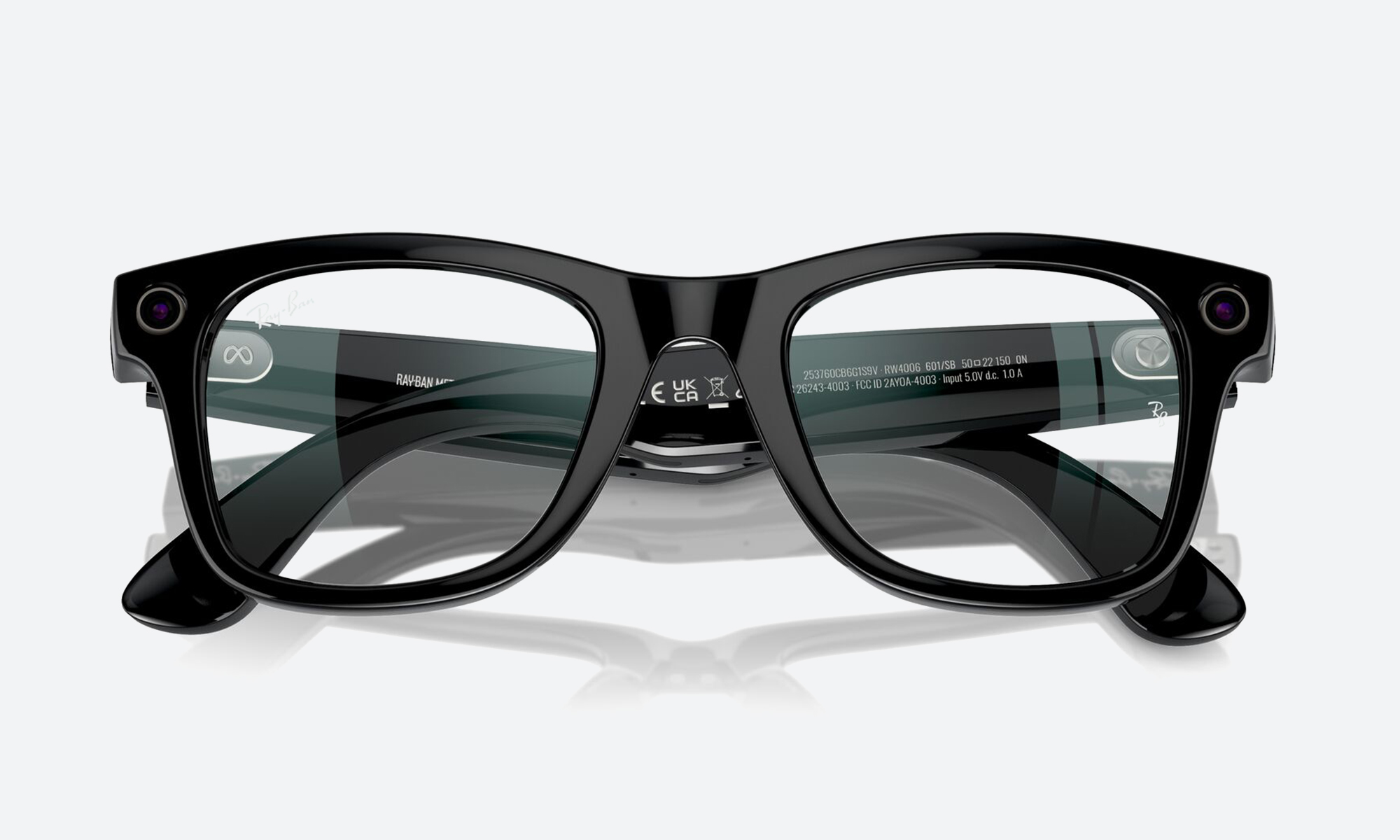
Ray-Ban Meta Gen 3 Battery Life Explained
The Ray-Ban Meta Gen 3 battery decides how useful these smart glasses are across a full day, so it is worth understanding before you buy. This guide from the Lawrence & Mayo luxury eyewear boutique explains the rated battery life, how the charging case adds more hours, and what changes your real-world smart glasses battery life.
What You Will Learn
- The rated Ray-Ban Meta Gen 3 battery life on a single charge
- How the Ray-Ban Meta Gen 3 charging case extends your day
- What drains the battery faster in daily use
- Simple habits that help your glasses last longer
Understanding the Ray-Ban Meta Gen 3 Battery
Smart glasses have to fit a battery into a slim frame, so the battery is small and the rating is a guide, not a promise. Indian technology publications report that the Ray-Ban Meta Gen 3 battery is rated for up to 9 hours of use on a full charge. Customers most often ask us whether that is enough for a working day. For mixed, light use it usually is. If you record a lot of video or talk to Meta AI constantly, expect to top up sooner.
Ray-Ban Meta Gen 3 Battery Specifications
The figures below come from launch coverage. Meta’s ratings can vary by frame and software version, so confirm anything important with our team.
| Feature | What is reported |
|---|---|
| Battery life on the glasses | Up to 9 hours of use on a full charge |
| Extra power from the case | Up to 50 additional hours |
| Charging on the go | The case recharges the glasses away from a power outlet |
| Fast charging | Reported as carried over from the previous generation |
| Real-world results | Depend on camera use, audio, calls and Meta AI use |
How the Ray-Ban Meta Gen 3 Charging Case Works
The Ray-Ban Meta Gen 3 charging case is a small carry case that holds the glasses and recharges them whenever you put them away. Reports say the case adds up to 50 hours of extra power, which means the glasses are topped up many times before the case itself needs charging. In daily life, the habit is simple: when you take the glasses off, put them in the case. The Ray-Ban Meta Gen 3 charging case also protects the frame in your bag, so it is worth carrying even on short trips.
What Drains Smart Glasses Battery Life
Smart glasses battery life changes with what you ask the glasses to do. As the Digit comparison of Gen 3 notes, actual battery life depends on camera use, audio playback, calls and Meta AI interactions, and frequent video recording drains the battery faster than occasional photography.
- Video recording: the heaviest use, so expect fewer hours.
- Music and calls: steady use of the open-ear speakers draws power over a long session.
- Meta AI: frequent voice requests add up across the day.
- Light use: occasional photos and short requests stretch the battery much further.
Habits That Help Your Glasses Last Longer
You do not need to change how you use the glasses, but a few habits help. Place them in the case at lunch or when you sit down at a desk. Charge the case regularly so it is ready when you need it. Keep the software up to date. Avoid leaving the glasses in a hot car, as heat is hard on any battery.
What Most People Overlook
We have found that buyers compare the hours on paper and forget the pattern of their day. Three things matter more than the number. First, whether you will actually use the case, because the Ray-Ban Meta Gen 3 battery is designed to work together with it. Second, how you will use the glasses. A person who mostly listens to music uses power differently from a person who records long videos. Third, battery ageing. Like any rechargeable battery, it holds slightly less charge over the years, so a generous rating at the start leaves more room later.
How We Help You Choose the Right Pair
If you are unsure whether the battery suits your routine, talk it through with our team. Browse the Ray-Ban collection to see how the Meta frames sit beside regular styles, and visit a Lawrence & Mayo boutique to try them. Our Enhanced Precision Eye Test can confirm your prescription first. Ask our team about Gen 3 on WhatsApp and we will answer your questions.
Verdict
The Ray-Ban Meta Gen 3 battery gives a full day of light to moderate use, and the case adds many more charges. Use the case, expect video to drain faster, and confirm the figures for your frame. Visit the Lawrence & Mayo boutique to ask us anything.
FAQ
How long does the Ray-Ban Meta Gen 3 battery last?
Launch coverage reports up to 9 hours of use on a full charge. Real results depend on how you use the glasses.
How many extra hours does the charging case give?
The Ray-Ban Meta Gen 3 charging case is reported to add up to 50 additional hours of power.
Can the case charge the glasses when I am away from a socket?
Yes. The case recharges the glasses while you are away from a power outlet.
Is the Ray-Ban Meta Gen 3 battery enough for a full day?
For light to moderate use it usually is, especially if you put the glasses in the case during breaks.
What drains smart glasses battery life fastest?
Video recording uses the most power. Calls, music and Meta AI requests also add up over a long day.
Does recording video use more battery than taking photos?
Yes. Frequent video recording drains the battery faster than occasional photography.
Do the glasses support fast charging?
Reports say fast charging is carried over from the earlier generation. Confirm the charging time with our team for your frame.
How do I make the battery last longer?
Store the glasses in the case when not in use, keep the software updated and avoid leaving them in a hot place.
Will the battery weaken over time?
Like any rechargeable battery, it can hold slightly less charge after years of use.
Can I ask about Gen 3 before I buy?
Yes. Message the Lawrence & Mayo team on WhatsApp or visit a boutique for advice on the battery and fit.
Leave a Reply